
Appearance
Import CSV Files
Imports CSV files into your database.
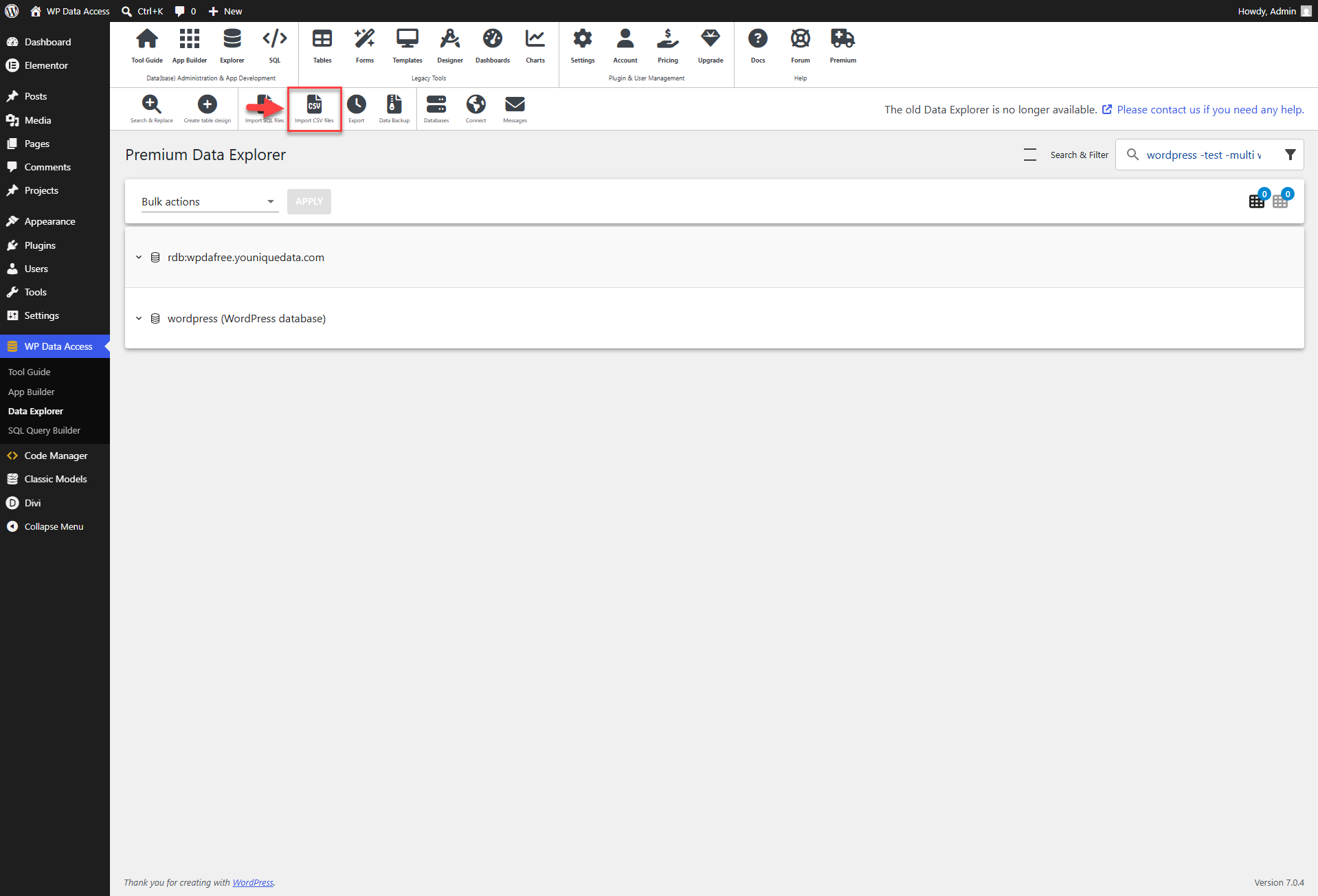
Follow these steps:
- Upload the CSV file
- Perform column mapping
- Import the CSV file
📌 Use the Reload option to import an updated CSV file without needing to remap table columns.
Video Tutorial
The video tutorial below demonstrates the CSV import process using the legacy Data Explorer. The core steps — CSV upload, column mapping, and import — remain the same for the new Data Explorer. We have planned a new CSV import feature and will update this documentation once it becomes available.